
Media Façade: Planning DMX512 Pixel Control
A representative media façade scenario covering pixel spacing, control zones and DMX512 addressing guidance, with GDXC pixel lights covered by a 3-year warranty.
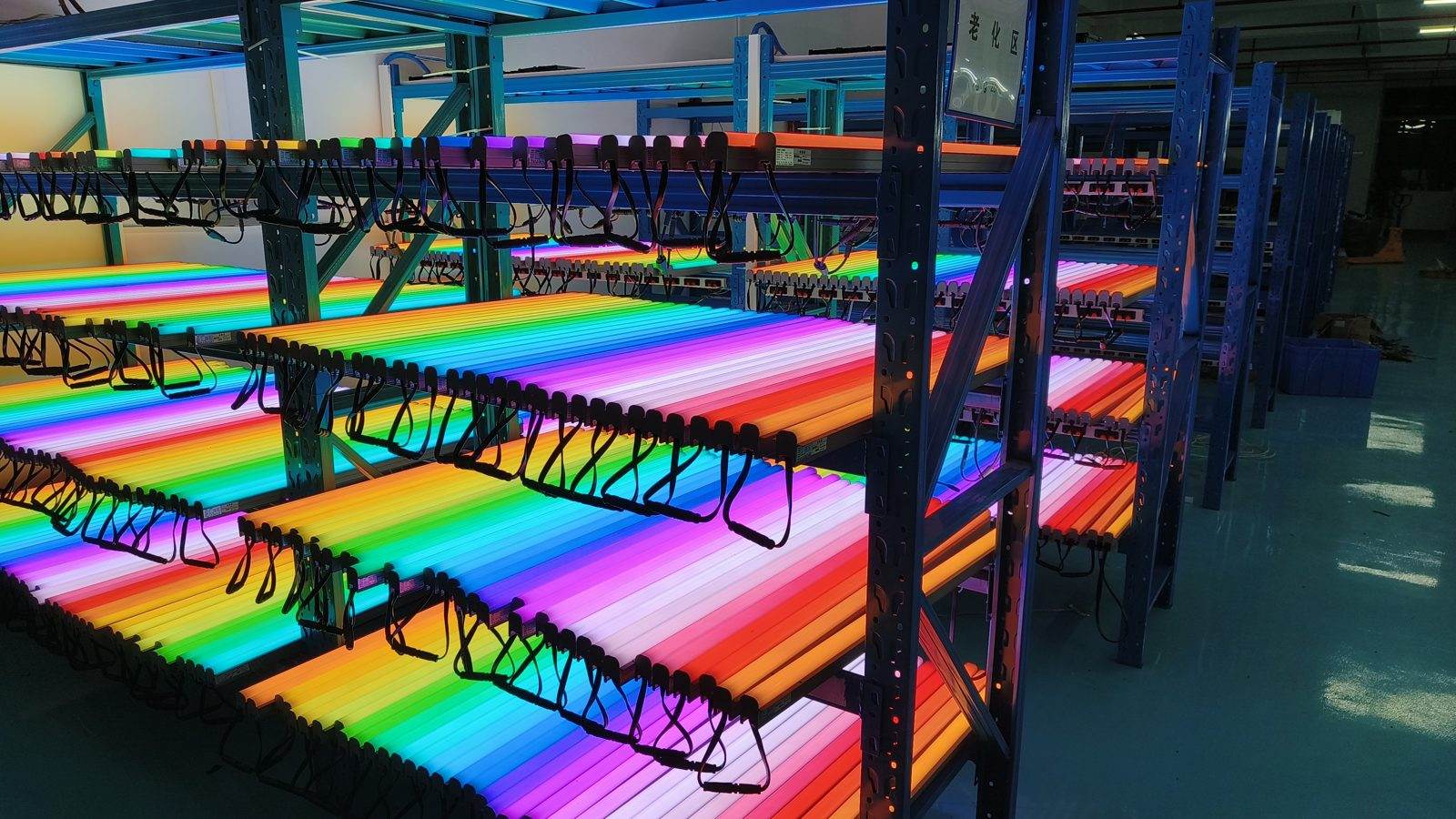
A media façade project starts with viewing distance and façade size, which determine pixel spacing and the number of control zones. GDXC supplies DMX512-compatible pixel lights, advises on addressing and zone layout, and confirms the fixture schedule. Pixel lights carry a 3-year warranty.
The starting condition
Dynamic façades often specify pixel density from a rendering without checking the viewing distance, then discover the effect looks coarse up close or the control system has too few zones for the intended animation.
Constraints
| Project input | Façade size, viewing distance, content concept |
|---|---|
| Fixture family | LED pixel lights, linear lights |
| Control | DMX512 on compatible models |
| Zones | Planned with the control integrator |
| Warranty | 3 years |
Measured results
- Pixel spacing
- Control layout
- Fixture schedule
What we changed, and why
- Start with viewing distance Set pixel spacing from how close visitors stand to the façade, not from the rendering alone.
- Divide into control zones Group pixels into zones that match the intended animation and the control equipment available.
- Plan addresses Provide DMX512 addressing guidance so the installer can map fixtures to the programmed scene.
- Confirm batch consistency Fix colour and brightness specifications for all pixel fixtures in the schedule.
“Pixel spacing and control zones are decided before the fixture count. Once those are fixed, the DMX addressing plan follows naturally.”
GDXC project support team, Technical pre-sale support — Representative media façade project
Where this approach stops working
This is a representative scenario, not a named customer project. Media playback hardware, content production and final channel capacity are provided by the project’s control integrator; no fixed channel-count figure is published.
Parts and process


Products used in this programme
LED Wall Washers
An LED wall washer is a linear luminaire that washes a vertical surface with an even, controlled band of light. The GDXC GD-WW series covers 18 W to 72 W versions in single colour, RGB and RGBW, with DMX512 control, rotating mounting brackets and 30°, 60°, 10×30° and 10×60° beam options for building façades, hotels, bridges and commercial complexes..
View productLED Linear Lights
An LED linear light is a narrow luminaire used to draw a visible line along a building edge, bridge or façade. The GDXC GD-L series includes PC and acrylic versions from 10 W to 15 W on DC24 V, with monochrome, RGB and RGBW options, DMX512 control, 160°–180° beam angles and an IP66 catalogue rating for outdoor outline lighting..
View productLED Pixel & Point Lights
An LED pixel point light is a compact addressable luminaire used to build dot-matrix displays and animated media façades. The GDXC GD-P series includes 30 mm to 60 mm housings, 0.72 W to 1.8 W versions, RGB and RGBW output, DMX512 control and 120°–160° beam angles, with a catalogue IP67 rating for exposed outdoor installation..
View productFaçade Wall Washing: Selecting Fixtures from an Elevation Drawing
Read case studyCoastal Hotel Exterior: Corrosion and Colour Consistency
Read case studyBridge Outline: Linear Light Runs and Batch Matching
Read case studySend the drawing and effect requirement
Send a façade drawing or site photo with the effect you want. We will propose fixture families, control options and a project checklist — no obligation.